
How to Create a Spotlight Post
Step 1 — Open Canva Stack (Based on Plan)
Select the correct template based on the client’s plan:
Featured Plan:
https://www.canva.com/design/DAHD1esh6z4/vrEHcbDUOMZ0Kwj1MFUZng/editPlus Plan:
https://www.canva.com/design/DAHDwtQqDQA/rkOeXqOx7eeQvaOjCh_apQ/editPremium Plan:
https://www.canva.com/design/DAHD1Ya0oXQ/sUhyX4Vyy-IbdR4F5dHFcw/edit
Step 2 — Gather Content
Go to the client’s:
Website
Maryland Local listing
Social media
Choose:
1–3 clean, high-quality photos
OR a strong video if they have one
Focus on visuals that clearly showcase their services or product.
Step 3 — Build the Post
Keep the design clean, modern, and engaging
Make it feel like an ad someone would want to click on
Highlight the service or value visually first
Add only a small amount of business details (name, short phrase, offer, etc.)
It does NOT need to include all business information
Avoid clutter or too much text
Goal: create a simple, attractive promotional post.
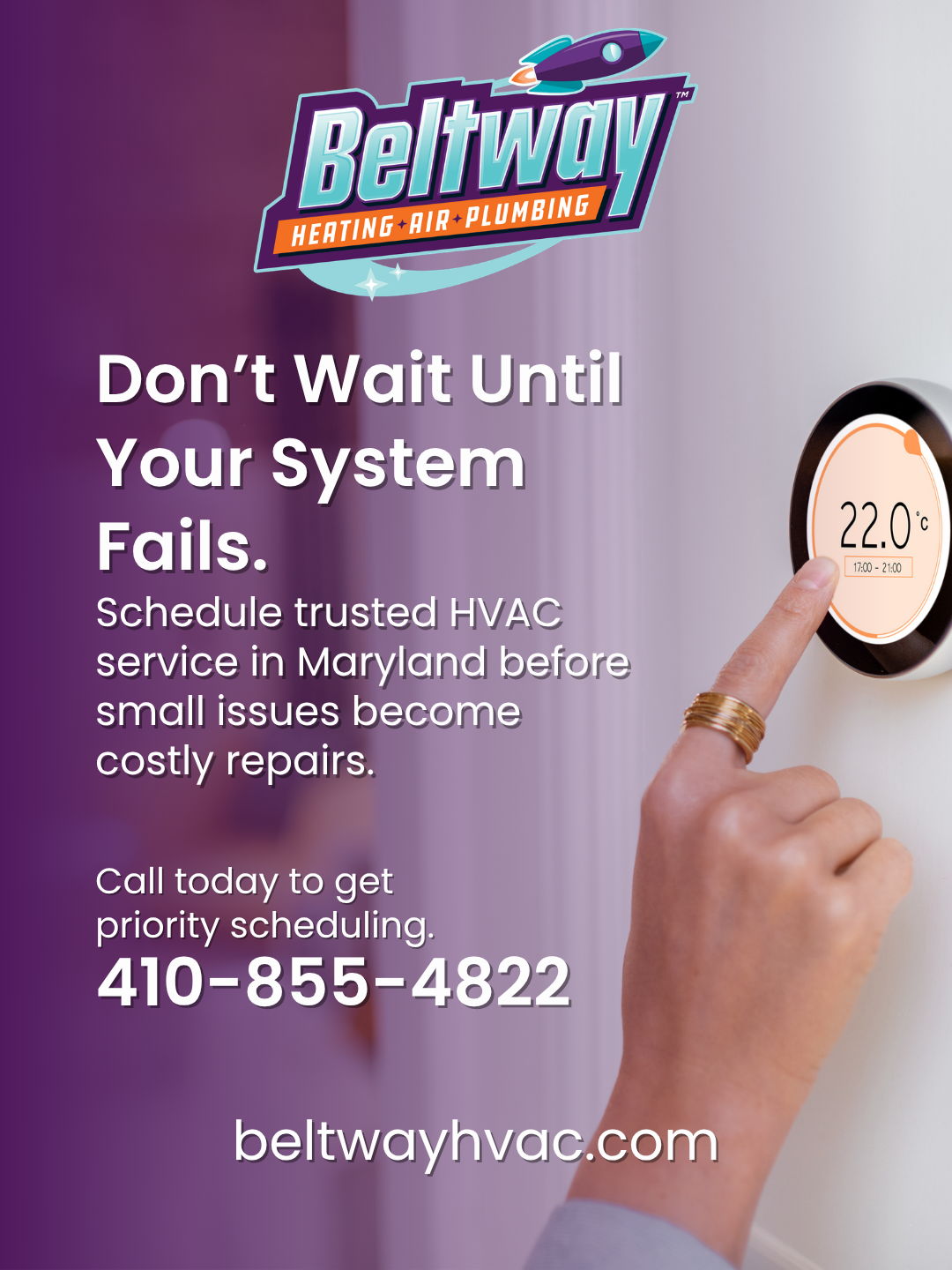
Here are two examples of simple sleek looking posts

Step 4 — Final Check
Before exporting:
Confirm branding looks clean
Ensure text is readable
Make sure images/videos are high quality
Verify the post clearly shows what the business offers